Hosting API
Find your API key, choose the correct domain and understand which password is used. Start with an account read request, check its result and prepare a useful support report.

The hosting API connects your online store, CRM or internal software to the platform. It can retrieve account details, create customers, work with devices and automate selected operations. You do not need the API for normal work in the hosting panel.
This chapter is a starting point for an integrator, not a replacement for the full reference. Commands that change balances, access or devices require separate development and testing beyond a simple read request.
Find your key and the reference
Open Settings → API key. The documentation link is next to the key. The screenshot uses the non-working value DEMO-KEY-NOT-VALID.
An English PDF API reference is available. It describes the legacy interface and is useful for its command list, but some examples and explanations contain inaccuracies. If an actual response differs from an example, retain the response for your integrator and clarify the behavior with support.
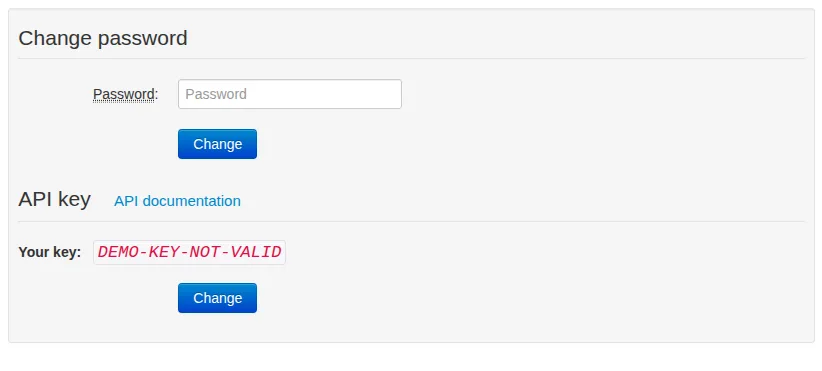
Use the owner's Settings, not a customer card. DEMO-KEY-NOT-VALID cannot authorize a request.
Endpoint and authorization
Send requests to your customer website's domain, for example /api/v1.1/account. Do not substitute hosting.livegpstracks.com, the administration-panel address: the domain identifies the hosting website.
The main parameters are:
| Parameter | Meaning |
|---|---|
xusername |
Hosting owner's login |
xpassmd |
MD5 of the owner's main-account password |
xkey |
That owner's API key from Settings |
username |
Customer login targeted by the command |
action |
Action supported by the endpoint |
The two owner passwords can differ. Changing a password in the hosting panel does not update the main-account password. The legacy account API verifies the main account. Do not use the customer's password here.
MD5 does not make this value safe to publish: for this authorization scheme, it is itself a credential. Send the complete parameter set in POST over HTTPS with a valid certificate. Keep credentials out of URLs, public browser JavaScript, logs and analytics. If HTTPS is not yet configured for your domain, arrange it with support first.
Start by reading an account
Use action=get for an existing demonstration customer. This does not credit a balance, create a device or change a tariff.
The following request structure is illustrative. Its domain and values are fictional, not working credentials:
POST /api/v1.1/account HTTP/1.1
Host: tracking.northline.example
Content-Type: application/x-www-form-urlencoded

action=get&username=riverfleet&xusername=northlineadmin&xpassmd=OWNER_PASSWORD_MD5&xkey=API_KEY
Encode the body as ordinary form data. The response is JSON. Check the result field as well as the HTTP status: successful execution uses code 1000. A response can contain a separate result element and a separate data array; do not assume the entire response is one customer object.
After success, compare the login, balance, currency and assignments with the panel before moving on to another method.
What you can automate
- Accounts: reading, creation, enabling and disabling, and changing supported account data or assignments.
- Devices: listing, adding and other commands covered by the reference.
- Retrieving positions through the available API methods.
Not every command is read-only. A top-up or device activation can change financial data. After a timeout, inspect the result before retrying; an automatic retry may execute a change again. Start with a separate test customer, not a bulk operation against your customer base.
When the response is unexpected
- HTML or an nginx 404 instead of JSON: check the domain and exact route, then contact support. This is not proof of an incorrect password.
1005or1006: check the owner, website domain, complete credentials, main-account password and current API key.1001: check the required fields for the selected command.1012when reading an account: check the customer login and whether it belongs to your hosting operation.
For support, retain the timestamp, endpoint without secret parameters, action, HTTP status and sanitized JSON. Update every integration after replacing the API key.
Related articles
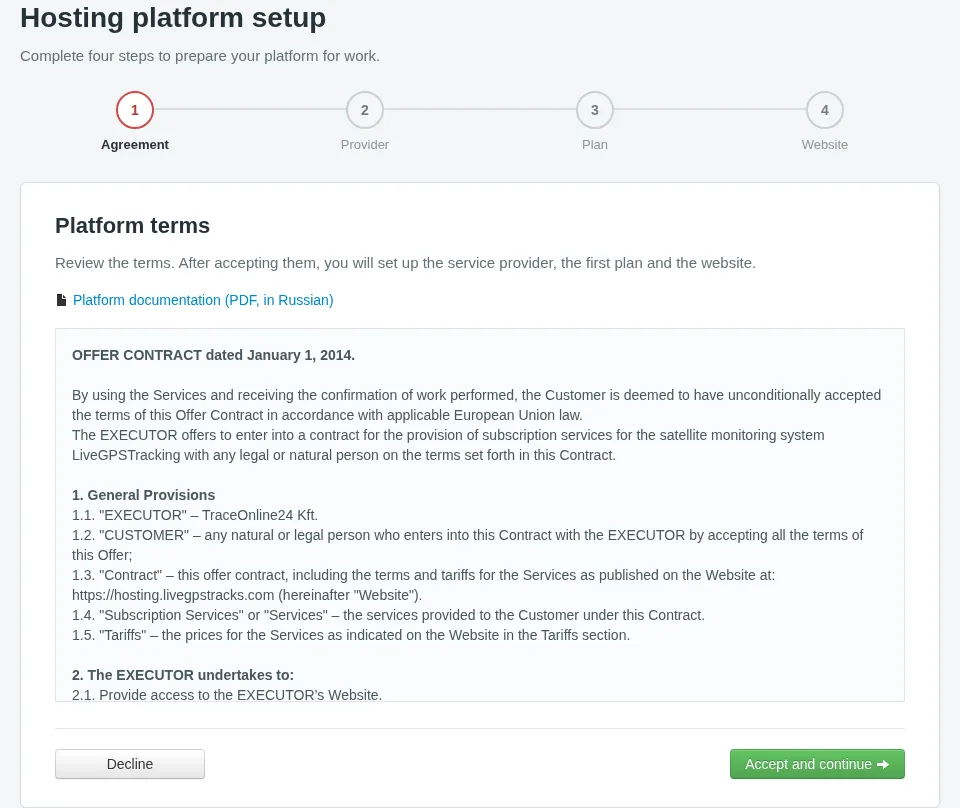
First-time Hosting Setup
Follow the wizard from the agreement to your first website: enter provider details, set a customer plan and choose your next step.
Administrator Guide: Contents
From your first website to everyday customer management: find the chapter you need to run your GPS tracking service.
Troubleshooting and support
A website will not load, a customer cannot sign in, positions are missing or a payment is unclear: where to begin, what to tell support and which secrets to keep out of a report.

Panel settings and access
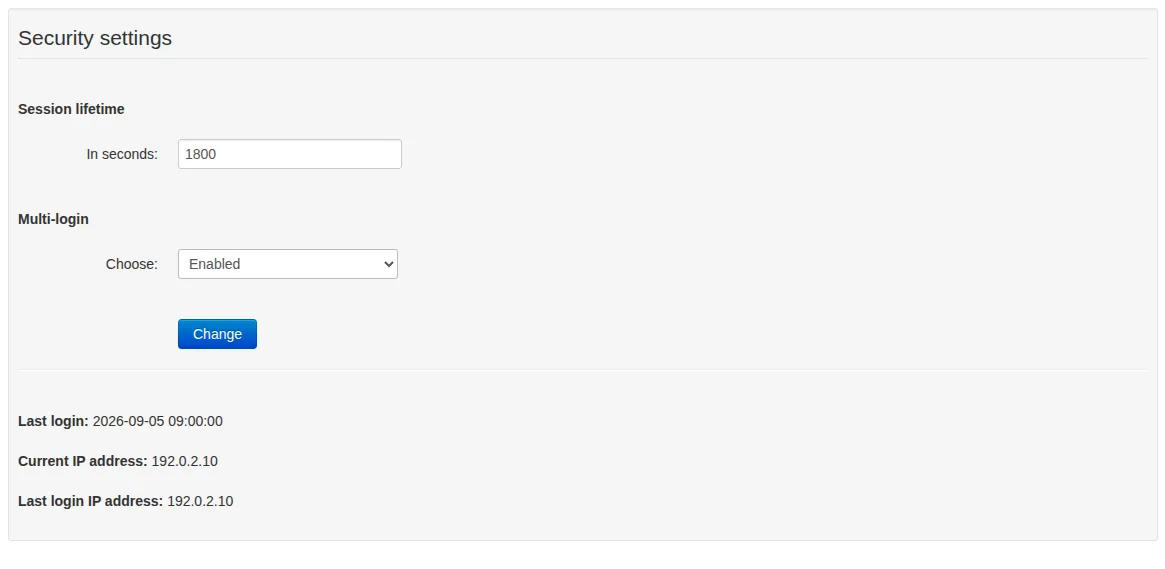
Session lifetime, simultaneous logins, panel password and API key. Separate owner access from customer and website settings, and check the result after changing credentials.
Comments
Sign in to comment.
No comments yet.