Administrator Guide: Contents
From your first website to everyday customer management: find the chapter you need to run your GPS tracking service.
This guide is for administrators who run a GPS tracking service on the LiveGPSTracks hosting platform. It covers your administration panel: setting up the service, managing customers and devices, and keeping track of payments and settlements.
New to the platform? Start with chapters 1 and 2. They introduce the service and the setup wizard: service provider, customer pricing plan and website. The remaining chapters are a reference for everyday work.
Launch your service
- Getting started
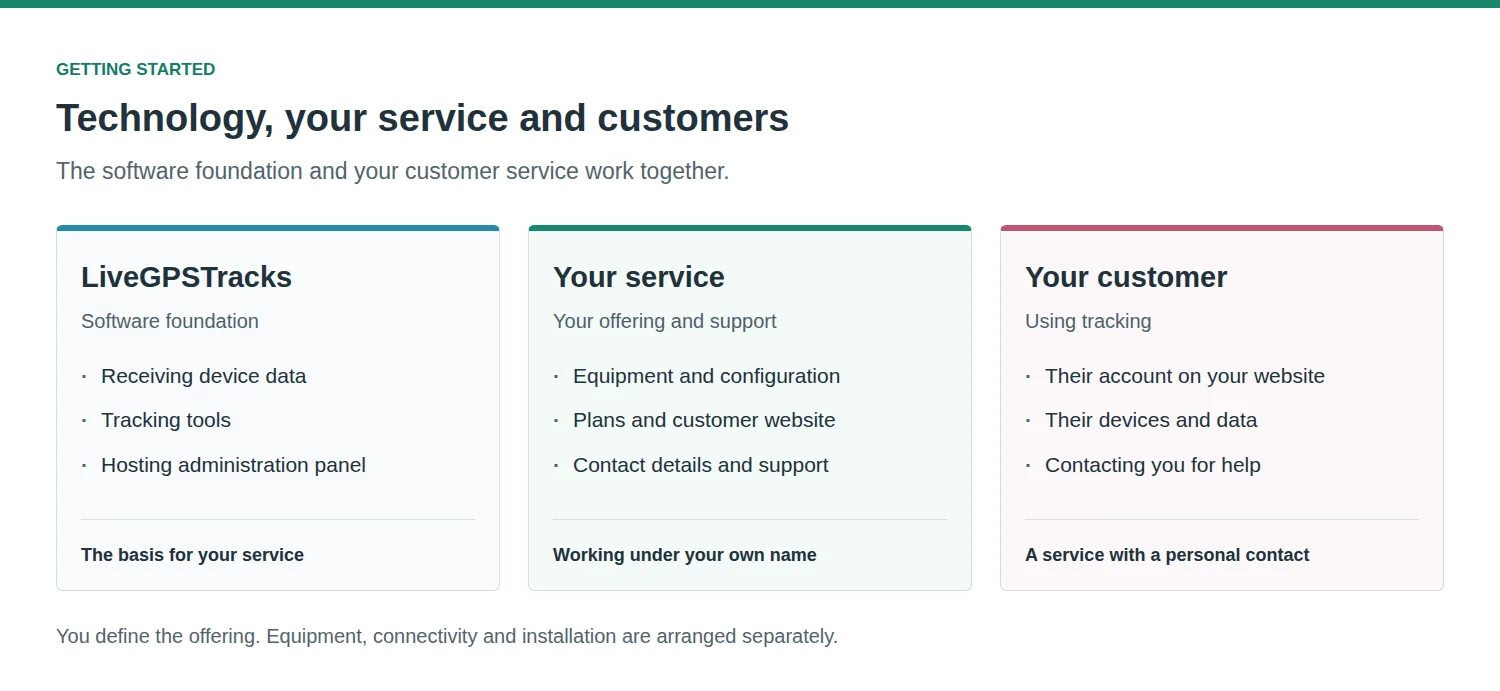
How the platform, your hosting account and your customers fit together. The administration panel and your customer-facing website. - First-time setup
The setup wizard: enter provider details, create a pricing plan and set up your first website. What to check before adding customers. - Companies and individuals
Who provides the service to your customers. Provider details, contact information and the company associated with a website. - Pricing plans and currencies
Customer prices and platform costs, device and SMS charges, default plans and currency settings. - Websites and domains
Website address, name, language and branding. Choosing a provider and pricing plan, and allowing customer registration.
Manage customers and devices
- Customers and balances
Add customers, manage their accounts and pricing plans, review balances and payment history, and handle manual balance adjustments. - Devices
Find a customer's devices, check their status and understand restrictions caused by an insufficient balance.
Payments and settlements
- Finances and payouts
Incoming payments, customer spending, hosting income, settlement periods, currencies, payout details and settlement history. - Invoices and service documents
Customer billing details, invoices, unpaid bills and monthly service amounts. Which document functions apply to your setup.
Settings and help
- Account settings and access
Password, session settings, interface language and login information. - Hosting API
Where to find your API key and the API reference, and what to consider before connecting external software. - Troubleshooting and support
Where to start when a website is unavailable, a device is restricted or a payment is missing. What information to include in a support request.
Where to go next
- Launching your first website: chapters 1–5.
- Adding a customer or checking a device: chapters 6–7.
- Understanding charges or a payout: chapters 8–9.
- Managing access or connecting software: chapters 10–11.
This is the administrator guide. Instructions for end users working with maps, tracks and reports belong in the separate user guide.
Related articles
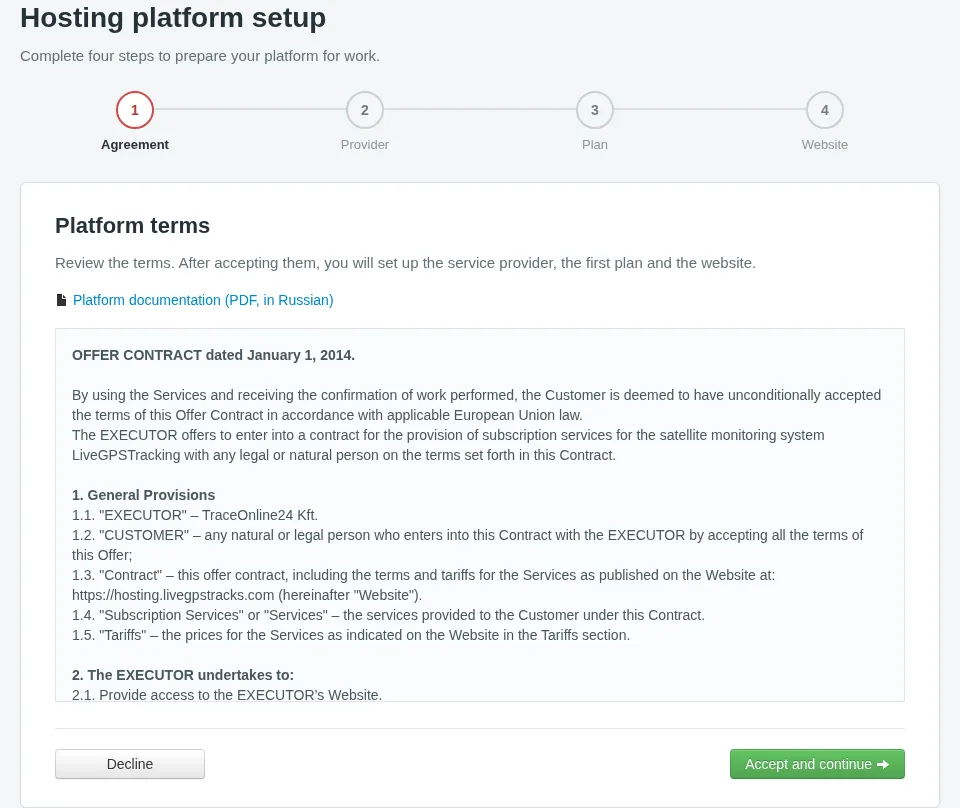
First-time Hosting Setup
Follow the wizard from the agreement to your first website: enter provider details, set a customer plan and choose your next step.
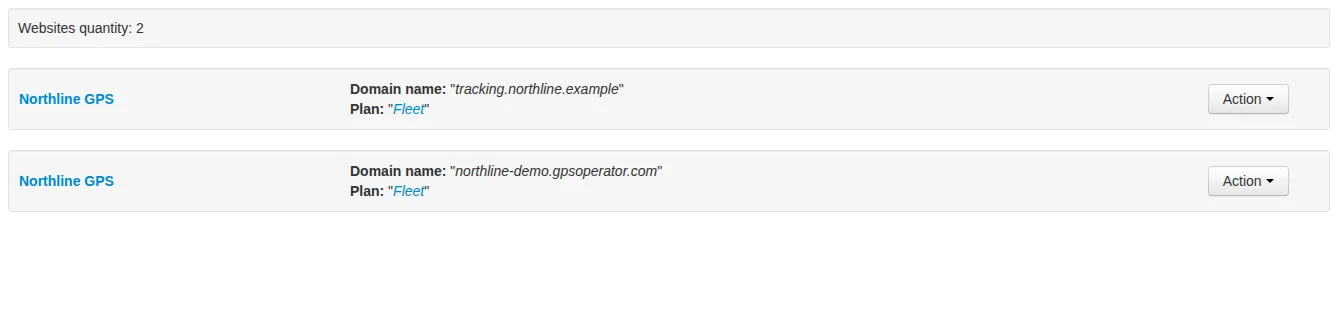
Websites
Set up your customer-facing website: its address, plan, provider, branding and languages. Choose who can register and check everything before inviting customers.
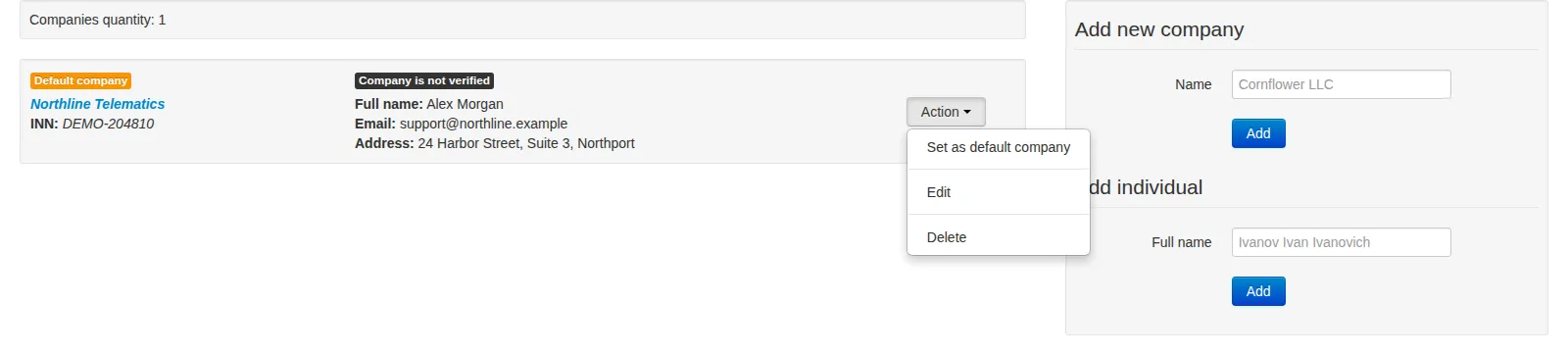
Companies and Individual Providers
Manage service provider records, customer-facing contacts, default assignments and company verification without confusing them with customer accounts or payout details.
Getting Started
Build a GPS tracking business around equipment, installation and customer support. Understand your role, the platform's role and how your service fits together before you begin setup.
Comments
Sign in to comment.
No comments yet.